

Hello Techies👋🏻👋🏻
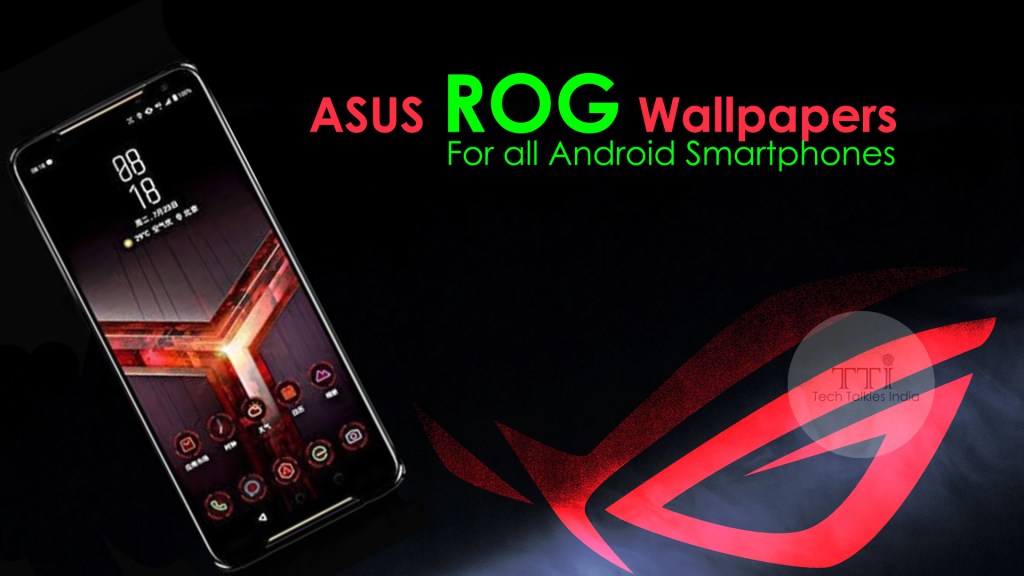
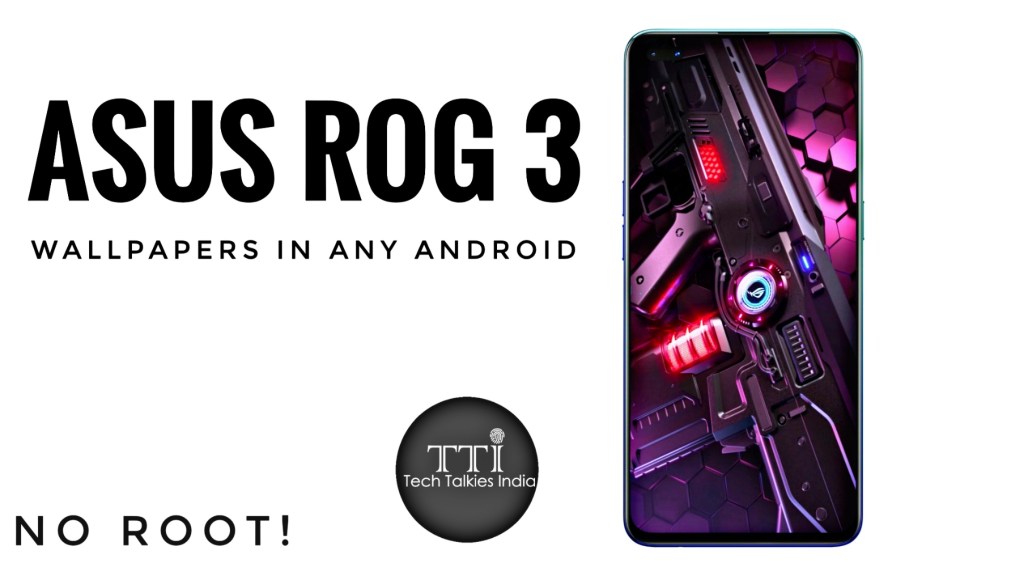
Use your favourite Asus Rog 3 Dynamic Live Wallpapers In any of your android without rooting your device. We have brought you an easy tutorial for you.
Follow the below steps:
1. Download Google Wallpapers App from Play Store
2. Download the required zip file from the link. Click here
3. Now extract the downloaded file and install the apk files
4. Now open the google wallpapers app and navigate to live wallpapers section
5. Choose your favourite wallpaper and click on apply

Congratulations! The live wallpaper is applied successfully…
Watch our tutorial video below for easy understanding…

 techtalkiesindia.tech.blog